Automate crm
Automating Customer Follow-Up in Small Businesses: The Method to Never Lose a Prospect
 Majdi ZarkounaCo-fondateur de Majoli.io
74% of small businesses still track prospects on spreadsheets and lose up to 27% of their opportunities. The 5-step method to automate customer follow-up without spending your evenings on it.
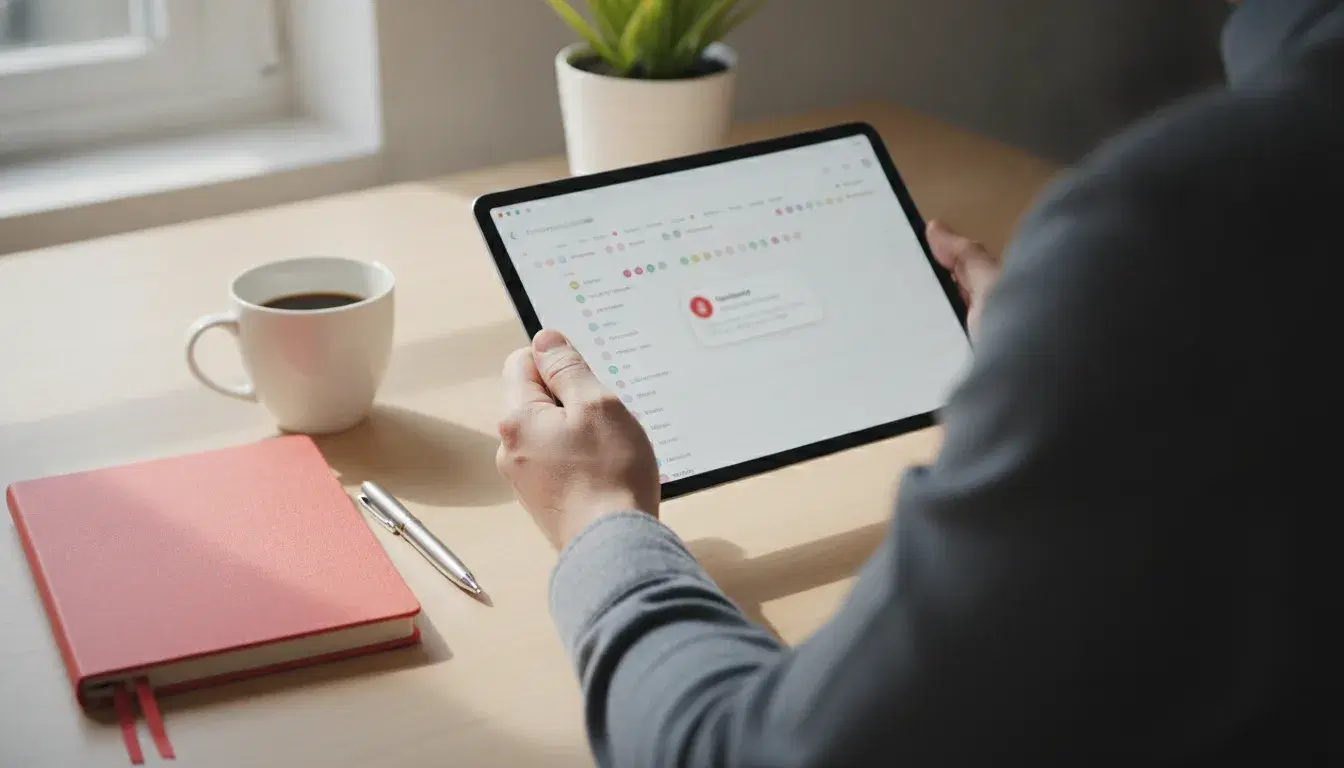
74% of French small and medium businesses still manage their customer follow-up mainly on spreadsheets, according to the 2025 Observatoire des pratiques CRM. The result: a small business tracking prospects on a spreadsheet loses an average of 27% of its commercial opportunities due to poor follow-up, and as many as 38% of "hot" prospects are never called back, according to a widely cited Forrester Research study. This is not a problem of sales effort, it is a problem of method. Here is how to automate your customer relationship follow-up without spending your evenings on it, or your yearly budget.
Why manual follow-up costs small businesses their customers
In a small structure, the owner or the salesperson juggles quotes, follow-ups, appointments and daily emergencies. A prospect contacted on a Monday and not followed up on the following Thursday will likely choose a competitor in the meantime, simply because no one had the reflex, or the time, to reach out again. The bigger the company grows, the worse this problem becomes: beyond 10 employees, more than 90% of French companies are already equipped with a CRM, compared to only 38% for the smallest businesses, a gap that reflects a lack of time to set the system up rather than a lack of interest.
The cost rarely shows up on a standard dashboard: quotes that are never followed up, satisfied customers who are never contacted for a second purchase, referrals that are never asked for. Automating this follow-up is not about replacing human relationships with robots, it is about making sure no contact ever falls through the cracks simply because there was no time.
What "automating customer relationship management" really means
Installing CRM software is not enough: a poorly configured tool quickly becomes a disguised spreadsheet, filled in once and then abandoned. Automating customer follow-up means building a system where three things happen without repeated manual intervention:
- Every new contact (form, call, trade show, referral) is automatically logged in the same place, with its full history.
- Every key step (quote sent, 5 days of silence, upcoming appointment) triggers an action or a reminder without anyone having to remember it.
- Every tool already in use (invoicing, calendar, email) exchanges data with the others, instead of living in a silo.
The 5-step method to automate customer follow-up
Step 1: centralize contacts and history
Before automating anything, you need a single entry point. A simple CRM (Axonaut, HubSpot, Zoho or an equivalent) is more than enough for a small business: the goal is not feature richness but centralization. Every exchange (email, call, meeting note) must be attached to the contact's record, viewable in one click by anyone who picks up the file.
Step 2: automate lead capture and qualification
A contact form, a quote request or a chatbot should automatically create a record in the CRM, with the source and the expressed need, with no manual re-entry. This step eliminates the main leak: the prospect who fills out a form on a Friday evening and whom no one notices until the following Wednesday.
Step 3: schedule automatic follow-ups and reminders
This is the core of the matter. A quote with no response after 5 days should trigger an alert or an automatic follow-up email. An upcoming appointment should send the client a reminder 24 hours ahead, mechanically reducing no-shows. A client who has not ordered in 6 months can trigger a targeted commercial follow-up. Once set, these rules run on their own.
Step 4: connect the CRM to everyday tools
Customer follow-up does not live in isolation: it needs to talk to invoicing, the calendar and email. When a quote is accepted, the corresponding invoice can be generated automatically, as covered in our guide to invoicing automation. An appointment booked online can sync with the calendar with no double entry, following the logic detailed in our article on appointment booking automation.
Step 5: track the right indicators and adjust
An automated CRM should show, at a glance, the number of prospects awaiting follow-up, the conversion rate by acquisition source, and the average response time. These indicators can feed into broader management reporting, as we detail in our article on management dashboard automation. Without this tracking, the initial automation runs out of steam within a few months for lack of adjustment.
How much time and money does this actually save?
Figures vary between studies, but they all point in the same direction. Small and medium businesses equipped with a CRM and automation rules see an average gain of 8.5 hours per week per salesperson on follow-up tasks, and revenue growth of up to 29% over 12 months, according to data compiled by Digitiz in 2026. A Nucleus Research study, regularly cited in the industry, puts the average return on investment of a CRM at $8.71 generated for every dollar spent. These gains do not come from the tool itself, but from the discipline it enforces: no contact ever again depends on a single person's memory.
The mistakes that derail a CRM automation project
The first mistake is trying to automate everything in the first month. A system that is too complex, with dozens of simultaneous rules, becomes unreadable and no one uses it properly. It is better to start with two or three high-impact automations (quote follow-up, appointment reminder, alert for a silent prospect) and then expand gradually.
The second mistake is neglecting training: fewer than a quarter of sales teams consider their CRM to be fully accurate, according to HubSpot's 2026 State of Sales report, often because fields are poorly filled in or usage is not consistent across the team. Finally, migrating old spreadsheets without cleaning up duplicates or outdated data amounts to automating the mess rather than fixing it: sorting the data beforehand is essential.
How to get started without turning it into a six-month project
You do not need a full overhaul to start saving time. The most effective approach is to pick a single current friction point, such as forgotten quote follow-ups or unconfirmed appointments, then build a targeted automation around that specific point before expanding further. This is also the logic behind the automation and artificial intelligence projects carried out for small and medium businesses across France, from Marseille to Paris: starting from a concrete need rather than a trendy tool. A 30-minute audit is usually enough to identify the two or three automations that will make the biggest difference.
Following the same customer-focused automation logic, you may also want to see how to automate Google review collection, a project that often relies on the same triggers as customer follow-up.
Frequently asked questions
Do you need a large CRM platform to automate customer follow-up in a small business?
No. A simple CRM, even in its free or entry-level version, is enough to lay the groundwork: centralizing contacts and triggering a few automatic rules. What matters is not the richness of the tool but the discipline with which it is used day to day.
How long does it take to set up these automations?
The first high-impact automations (quote follow-up, appointment reminder) can be operational within a few days once the CRM is chosen and contacts are imported. Full deployment, with connections to other tools, generally takes four to eight weeks.
Does an automated CRM replace human contact with customers?
No, it protects it. Automation takes over repetitive tasks (reminders, follow-ups, re-entry) to free up time that the owner or salesperson can spend on high-value conversations, rather than spending it figuring out where a given file stands.
How do I know if my business really needs to automate its customer follow-up?
A reliable signal: if you cannot answer in under a minute the question "how many quotes are awaiting follow-up today?", it is time to automate. It is often the same diagnosis as for B2B prospecting: the problem is not the volume of contacts, but how they are tracked over time.
Does artificial intelligence have a role to play in customer follow-up automation?
Yes, increasingly so. Beyond classic follow-up rules, autonomous AI agents can now qualify a prospect, draft a first personalized response, or detect the warning signs of a client at risk of churning, as detailed in our guide to generative AI for small and medium businesses. To go further on your specific case, our team is available through the contact page.
Read next
September 30, 2026
Automating Electronic Signature and Document Management for SMEs: The Complete 2026 Method
26% of small businesses now use electronic signature (Yousign/Ipsos, 2025), up from 19% in 2021. The complete method to automate signature and document management without losing compliance.

September 29, 2026
AI for Small Businesses: Automating Quotes and Payment Reminders to Get Paid Faster in 2026
26% of French SMEs use AI in 2025, up from 13% in 2024 (France Num). The 5-step method to automate quotes and payment reminders with AI and cut payment delays in 2026.
September 28, 2026
Marketing Automation for Small Businesses: How to Convert Prospects Without Spending Your Days on It in 2026
79% of marketing leads never buy due to lack of follow-up (Forceplus). A 5-scenario method to automate prospecting and convert more, without the daily grind, in 2026.