Electronic signature sme
Automating Electronic Signature and Document Management for SMEs: The Complete 2026 Method
 Majdi ZarkounaCo-fondateur de Majoli.io
26% of small businesses now use electronic signature (Yousign/Ipsos, 2025), up from 19% in 2021. The complete method to automate signature and document management without losing compliance.
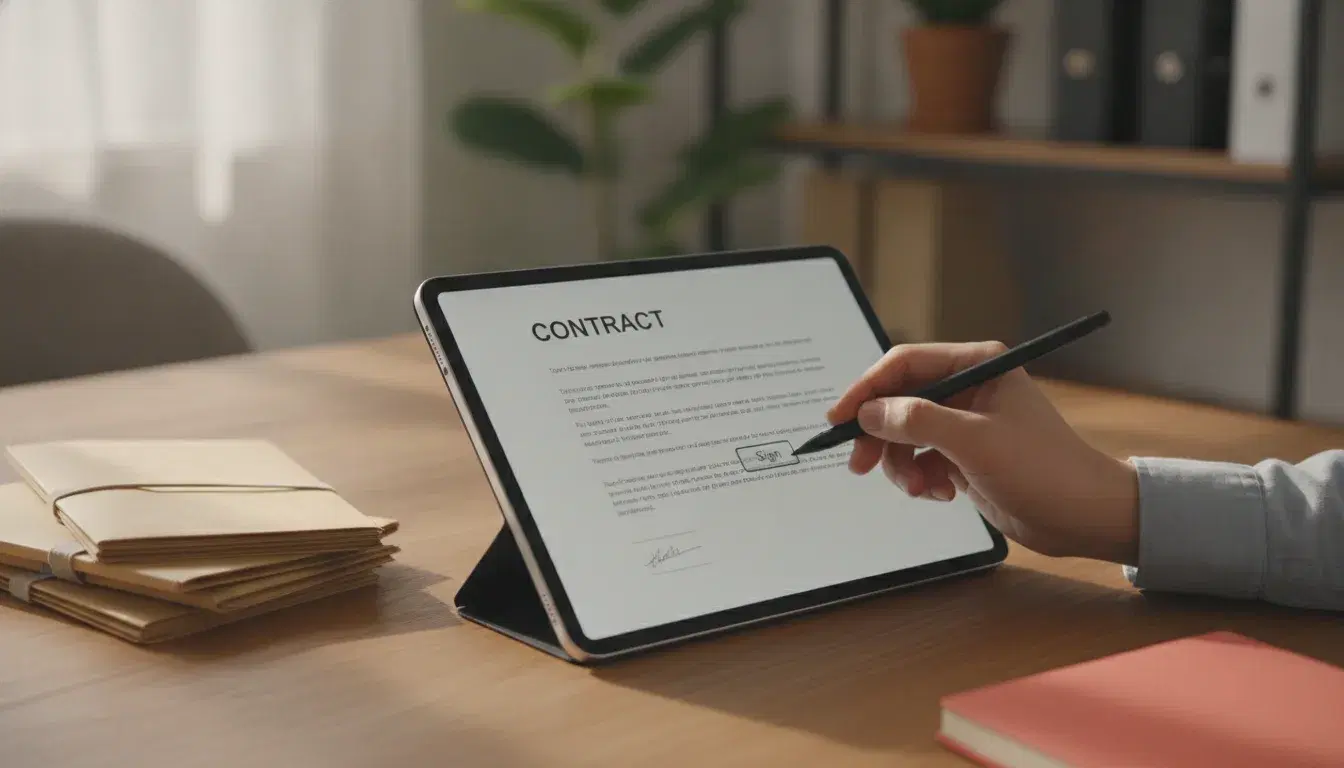
A signed quote sitting in an inbox for three days. A contract printed, signed by hand, scanned, then filed in a folder nobody can quite remember the name of. For many small and medium businesses, signing and filing documents is still a manual task that eats up time and delays payment. Yet French and European law now allow a contract to be signed in a few clicks with the same legal value as a handwritten signature, and any document to be found again in seconds. Here is the concrete method for automating electronic signature and document management in your business, without blowing your budget or your compliance.
Why electronic signature and document management are changing the game for small businesses
Document digitization is no longer a topic reserved for large corporations. According to the Yousign / Ipsos 2025 barometer, 26% of French freelancers, micro-businesses and SMEs are now equipped with an electronic signature solution, up from 19% in 2021. More broadly, 54% of French workers used electronic signature in a professional context in 2025, up from 44% a year earlier, and 74% of organizations are now equipped with one.
Paper, meanwhile, carries a real cost. According to ADEME (the French environment and energy management agency), an employee consumes on average between 70 and 85 kg of paper per year, representing between 10,000 and 25,000 euros in annual printing and maintenance costs for a 100-employee company. At the scale of a small business, it is mostly the hours lost searching for, re-entering or having a document re-signed that weigh on productivity. According to AIIM (the Association for Intelligent Information Management), centralizing documents in a dedicated solution reduces the time spent managing them by an average of 28%.
Automating these two building blocks, signature and filing, is therefore not a mere comfort: it is a direct lever on payment delays, client relationships and daily administrative load.
Electronic signature: what French law actually says
Contrary to a common misconception, electronic signature is not a simple digital gadget: it is governed by the European eIDAS regulation, directly applicable in France, and complemented by the French Civil Code. It carries the same admissibility as evidence as a handwritten signature, provided certain technical requirements are met.
The 3 levels of electronic signature
The eIDAS regulation distinguishes three levels, with increasing evidentiary weight:
- Simple signature: the base level, covering any process that does not meet the criteria of the two levels below (a checkbox, a click on "I accept," a code received by email). Suitable for documents with low legal stakes.
- Advanced signature: it guarantees the signer's identity and the document's integrity through an electronic certificate. This is the recommended level for a standard business contract, a binding quote or a service agreement.
- Qualified signature: the most secure level, created with a certified device and a qualified certificate. Article 25 of the eIDAS regulation grants it a legal effect equivalent to a handwritten signature, with a presumption of reliability: it is up to the signer to prove their signature is invalid, not the other way around.
Which signature level to choose depending on your documents
In practice, a small business can easily combine levels depending on the document: simple signature to validate an internal purchase order, advanced signature for a quote or service contract, qualified signature for a document with high legal stakes (commercial lease, transfer of company shares, a sensitive employment contract). Most solutions on the market (Yousign, DocuSign, PandaDoc, Adobe Sign) let you choose the level document by document, without switching tools.
Automating your electronic signature: the method in 5 steps
Switching to automated electronic signature is not just about installing software. Here is the approach to make the automation last.
1. Map out the documents that need signing
List the recurring documents that require a signature: quotes, service contracts, general terms of sale, employment contracts, leases. For each one, note the monthly volume and the legally appropriate signature level. This mapping avoids over-equipping low-stakes documents and under-equipping sensitive ones.
2. Choose a solution suited to your size
For a small business, the priority criteria are GDPR compliance, the ability to choose the signature level per document, and above all the ability to connect to your existing tools (CRM, invoicing, sales management) to avoid double data entry.
3. Connect signature to your business tools
This is the step that turns a simple signature tool into real automation: the signed document automatically triggers the next action, invoicing, client record creation, a welcome email, a CRM update. This is the same logic detailed in our article on automating client follow-up: each completed step should trigger the next one without manual intervention. A signed contract can thus launch invoicing the same day, instead of waiting for manual re-entry that delays payment.
4. Automate follow-up reminders
A document sent for signature that gets no response is a sale or a contract left hanging. Set up automatic reminders after 48 hours, then 5 days, to avoid oversights without having to think about them manually.
5. Train your teams and secure archiving
Compliance does not stop at the signature: the signed document must be archived in a probative way (timestamping, guaranteed integrity) for the legally required retention period. Quickly train the teams who send documents for signature, to ensure consistent use of the right signature level.
Document management: moving from a shared folder to automated document management
Once documents are signed, they still need to be found again. This is where electronic document management (EDM/GED) comes in, replacing the shared folder tree with a structured, searchable and secure system.
Key features of a document management system for a small business
- Automatic classification: recognition of document type (invoice, contract, bank details) and automatic filing, without manual intervention.
- OCR and data extraction: on a supplier invoice flow, for example, OCR combined with automatic document reading can cut processing time from 15 minutes to a few seconds while sharply reducing manual re-entry errors.
- Validation workflows: a document automatically follows the right approval circuit, without a phone call or reminder email.
- Access rights and traceability: every consultation or change is logged, an essential safeguard for HR or contractual documents.
- Legal archiving: retention that complies with legal timeframes, with guaranteed integrity in case of an audit.
How much it costs and what return to expect
The French document management market is expected to reach 9.5 billion euros by the end of 2024, with average annual growth of 5.3% according to Xerfi, a sign of accelerating adoption even among the smallest businesses. Return on investment is measured on three fronts: administrative time recovered (up to 28% according to AIIM), reduced paper and printing costs, and fewer processing errors, which are particularly costly for invoicing. For a small business, the initial investment in a signature and document management solution is typically paid back within a few months thanks to the administrative time recovered, much like with automating a management dashboard, where the time saved is measured in recovered evenings rather than a simple budget line.
Mistakes to avoid when digitizing your documents
- Using the same signature level for everything: over-equipping an internal purchase order with a qualified signature is an unnecessary cost; under-equipping a commercial lease with a simple signature weakens its legal value. The same principle of proportionality applies to automating expense reports: match the control to the amount, not the other way around.
- Digitizing without connecting your tools: an electronic signature disconnected from your CRM or invoicing only captures part of the possible time savings.
- Neglecting probative archiving: an electronically signed document must remain readable and intact throughout its entire legal retention period, not just at the moment of signing.
- Forgetting to train teams: a good tool poorly used produces badly filed documents or signatures at the wrong level, which cancels out part of the expected benefits.
As with quote automation, the goal is not to pile up tools, but to build a coherent flow between signature, invoicing and client follow-up. This is exactly the approach we take at Majoli with our AI and automation support for small and medium businesses: mapping existing processes before choosing the right tools.
Frequently asked questions
Is a simple electronic signature valid for a business contract?
Yes, legally speaking, all three levels of electronic signature (simple, advanced, qualified) are admissible as evidence in court. However, their evidentiary weight differs: for a standard business contract, the advanced signature is generally recommended, as it better guarantees the signer's identity and the document's integrity in case of a dispute.
Is a qualified electronic signature mandatory for all documents?
No. It is recommended for documents with high legal stakes (commercial lease, transfer of company shares, certain employment contracts), but it represents a level of security that is often disproportionate for low-stakes documents like an internal purchase order. Matching the signature level to the document avoids unnecessary costs.
How much does an electronic signature solution cost for a small business?
Pricing varies significantly depending on document volume, the signature level used, and the integrations needed with your other tools. The choice should above all be based on your actual needs (number of monthly documents, required signature level, connections to your CRM or invoicing) rather than on price alone.
Does even a very small business need a document management system?
As soon as a business handles more than a handful of contractual documents per month, even a lightweight document management system helps avoid time lost searching for documents and secures access to sensitive information. The investment typically pays for itself quickly through the administrative time recovered.
Are electronic signature and document management compatible with e-invoicing?
Yes, and connecting them is actually one of the main benefits: an electronically signed contract can automatically trigger the corresponding invoice. To go further on this topic, read our article on automating e-invoicing. If you would like support mapping your processes and choosing the right tools, contact our team.
Read next

September 29, 2026
AI for Small Businesses: Automating Quotes and Payment Reminders to Get Paid Faster in 2026
26% of French SMEs use AI in 2025, up from 13% in 2024 (France Num). The 5-step method to automate quotes and payment reminders with AI and cut payment delays in 2026.
September 28, 2026
Marketing Automation for Small Businesses: How to Convert Prospects Without Spending Your Days on It in 2026
79% of marketing leads never buy due to lack of follow-up (Forceplus). A 5-scenario method to automate prospecting and convert more, without the daily grind, in 2026.

September 25, 2026
How to Brief a Graphic Designer: The Creative Brief for a Successful Logo and Visual Identity
80% of back-and-forth exchanges with a designer come from a poorly prepared brief (BTG Communication). The 6-step method for writing a creative brief that delivers the right logo from the first proposal.