Automate appointment booking
Automating Appointment Booking for Small Businesses: Reducing No-Shows in 2026
 Majdi ZarkounaCo-fondateur de Majoli.io
In France, 28 million appointments go unattended every year. Online booking pages, automatic SMS reminders, calendar sync: the complete method to reduce no-shows in small businesses.
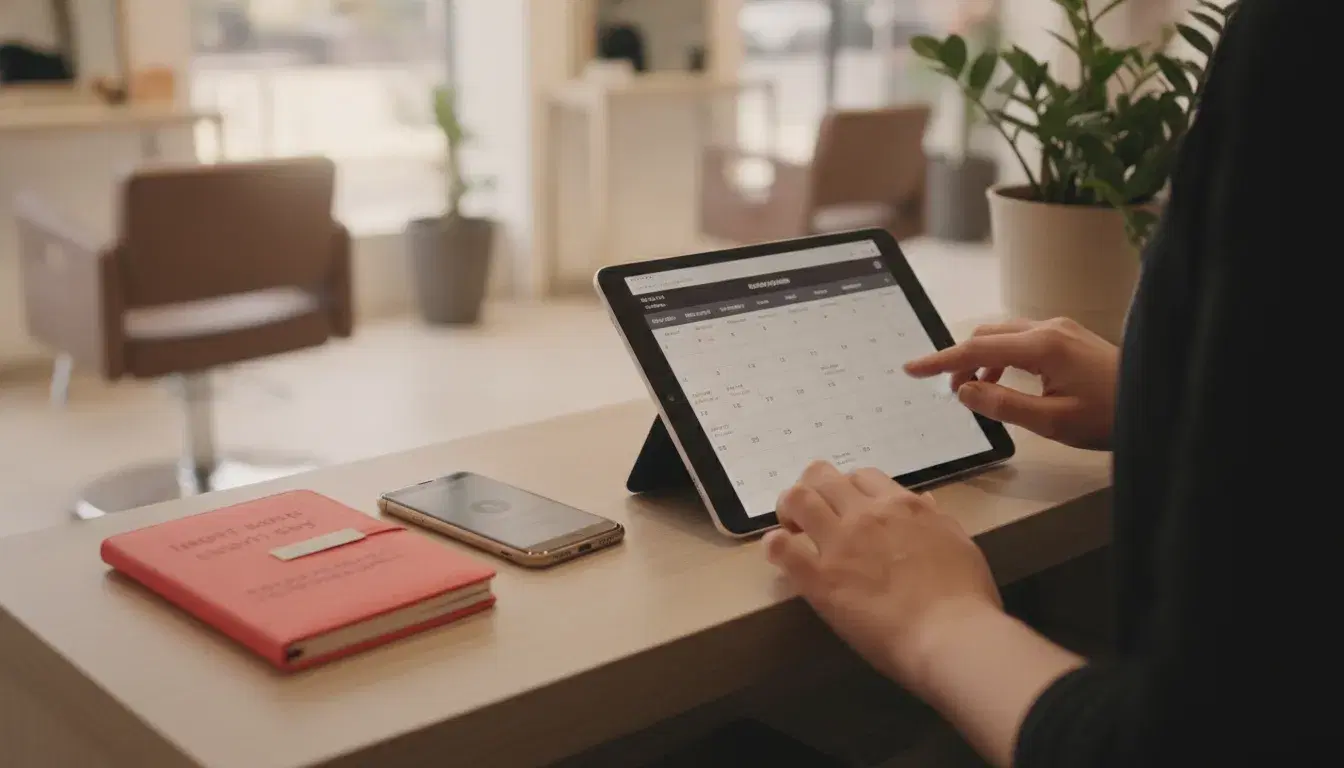
Every missed appointment costs time, revenue, and administrative energy. In France, around 28 million appointments go unattended every year, with an estimated financial impact of 2 billion euros for the professionals affected. For a small or medium business that lives off its booked slots (a tradesperson, a consultant, a coach, a salon, a service practice), every unexpected no-show is a lost time slot and often a client who needs to be manually followed up.
The good news: appointment booking is one of the simplest and most profitable processes to automate. An online calendar connected to your real availability, automatic reminders, and synchronization with your tools are enough to drastically cut no-shows, without sacrificing the human relationship. Here is the complete method to set it up in 2026.
Why automating appointment booking changes everything for a small business
The no-show rate varies widely by sector: it ranges from around 8% for the most common activities and can climb to 18%, even 30%, for certain specialties with high schedule pressure. Beyond the direct loss of revenue, every no-show creates a hidden cost: time spent chasing clients by phone, a slot that can no longer be offered to another client at the last minute, and a disrupted day.
Automation works on three levels:
- Upfront: the client books an available slot themselves, without an exchange of emails or calls to find a date that suits both parties.
- While waiting: automatic reminders (SMS, email, sometimes voice) reduce forgetfulness, the leading cause of missed appointments.
- In case of a last-minute change: a self-service cancellation or rescheduling link lets the client free up the slot in time so it can be reassigned, instead of simply not showing up.
The effect on the no-show rate is well documented: automatic SMS reminders have an open rate close to 97 to 98%, far higher than the open rate of a standard email. On this basis, several field case studies show absenteeism reductions of 50 to 80% after implementing automated reminders combined with an online booking page. One agency, for example, saw its no-show rate drop from 18% to 9% within three months of introducing automated reminder texts.
The building blocks of an automated appointment system
1. An online booking page connected to your real calendar
The basic principle: the client only sees your genuinely available slots (synced with Google Calendar, Outlook, or your business calendar) and books in a few clicks, 24/7. This eliminates the back-and-forth phone calls or emails needed to settle on a date, which often takes several exchanges before confirmation.
2. Multichannel automatic reminders
A reminder sent 24 to 48 hours before the appointment, possibly followed by a second one the day before or the same morning, covers the leading cause of no-shows: forgetfulness, responsible for a majority of missed appointments according to several sector studies. SMS remains the most effective channel for this type of reminder, with email serving as a useful complement for practical details (address, documents to bring, video call link).
3. Self-service confirmation and cancellation/rescheduling
Letting the client cancel or reschedule themselves in one click, rather than having to call you, increases the rate of slots freed up in time. This is often what makes the difference between an appointment simply "forgotten" and one "cancelled in time and reassignable".
4. Synchronization with your CRM or tracking tools
Every new booking can automatically trigger the creation of a client record, the sending of a pre-qualification form, or addition to a follow-up sequence. This is what turns a simple calendar tool into a real building block of your business automation.
An automated appointment system is only useful if it stays simple for the end client: the more clicks or fields to fill in before confirmation, the higher the drop-off rate.
How to choose your tool based on your company's size and sector
There are many online appointment booking tools on the French market, with very different positioning. Rather than comparing feature lists, ask yourself four concrete questions before choosing:
- How many people manage calendars? A solo professional needs a tool that is simple to connect to their own calendar; a team of several staff members needs multi-calendar management with automatic request routing.
- Is the appointment the main entry point of your business? If so (salon, practice, workshop), invest in a tool with native SMS reminders and waiting-list management. If the appointment is occasional (B2B sales, consulting), a booking page linked to your calendar is largely sufficient.
- Do you already have a CRM or business tools in place? Favor a tool that connects to it natively rather than an isolated solution that will create manual re-entry.
- What monthly budget can you allocate to the tool? Prices vary widely depending on the number of users, the volume of SMS included, and the integrations offered: compare the real cost with SMS included, not just the headline price.
To go further in choosing the right digital tools for your business, our guide on competitive intelligence and AI also explains how to identify the right tools for your sector without spending hours on it.
Setting up your system in 5 steps
Step 1: map out the current booking journey
List each current step, from first contact to confirmation, and time how long it takes per appointment obtained. This baseline figure is what will let you measure the real gain once automation is in place.
Step 2: configure the booking page
Define the slots that are genuinely open, the duration per appointment type, and only the strictly necessary preliminary questions (no more than 3 to 4 fields, so as not to discourage booking).
Step 3: activate automatic reminders
Schedule a reminder 24 to 48 hours before, with a second message the day before for high-stakes activities (health, wellness, quote-based trades). Test the tone of the messages: a reminder that is too administrative is less effective than a short, personalized message.
Step 4: connect the tool to your calendar and client tracking
Check that synchronization works both ways: an appointment made elsewhere (by phone, in-store) must also block the slot online, or you risk double bookings.
Step 5: measure and adjust after 30 days
Compare the no-show rate before and after, the administrative time saved, and client feedback on how simple booking is. The first effects on the absenteeism rate are generally measurable within the first month of use.
The mistakes that limit the effectiveness of automation
- Too many reminders: beyond two messages, the effect becomes counterproductive and annoys the client.
- A booking form that is too long: every additional field reduces the conversion rate of the booking page.
- No simple cancellation option: without a direct link to cancel or reschedule, a client who can no longer come often chooses not to notify you at all.
- Fully automated with no human contact at all: for high-value appointments (a first sales meeting, a custom service), a slightly personalized confirmation message remains more effective than a fully automatic, generic one.
This last point echoes a broader rule of business automation: the tool should save time on repetitive tasks, not replace the client relationship where it makes the difference. This is also the throughline of our article on AI for customer service in small businesses.
Going further: connecting appointment booking to the rest of your automation
Once appointment booking is automated, several natural extensions let you save even more time:
- Automatically trigger a review request after the appointment, as detailed in our guide on automating Google review collection.
- Link every new appointment to your client follow-up pipeline so no prospect gets lost between two steps.
- Automatically generate the quote or invoice tied to a completed appointment, based on the principles in our article on automating invoicing and payment reminders.
- Track the impact of these automations in a single automated management dashboard, to visualize the no-show rate and administrative time saved month after month.
If your appointment booking is part of a broader sales approach, our article on the method for booking a client appointment without wasting time usefully complements this approach from the prospecting side.
Finally, if you lack the time to evaluate and connect these tools together, our team can support you across your entire automation project, from auditing existing processes to technical implementation.
Frequently Asked Questions
What is the average no-show rate in France?
It varies widely by sector, from around 8% for the most common appointments up to 18 to 30% for certain activities with high schedule pressure. Overall, around 28 million appointments are estimated to go unattended each year in France, representing an estimated cost of 2 billion euros for the professionals affected.
Are SMS reminders really more effective than emails?
Yes: SMS messages have an open rate close to 97 to 98%, far higher than that of a standard email, making it the most reliable channel for reducing forgetfulness, the leading cause of missed appointments.
How long does it take to set up an automated appointment system?
For a small business with a single calendar to connect, the technical setup usually takes a few hours. The main time investment is actually in defining the slots, the reminder messages, and the preliminary questions on the booking form.
Is appointment booking automation suitable for all businesses?
It is particularly well suited to businesses based on regular slots (health, wellness, appointment-based trades, consulting, coaching). For very occasional or highly personalized appointments (complex sales negotiations), it remains useful for the logistics of the slot, but the content of the conversation still needs to be prepared manually.
Do you need a CRM before automating your appointment booking?
No, it is not a prerequisite. Most online booking tools work independently. Connecting to a CRM is a useful complementary step to centralize client tracking, but it can be added later, once the automated calendar is stable.
Read next
October 15, 2026
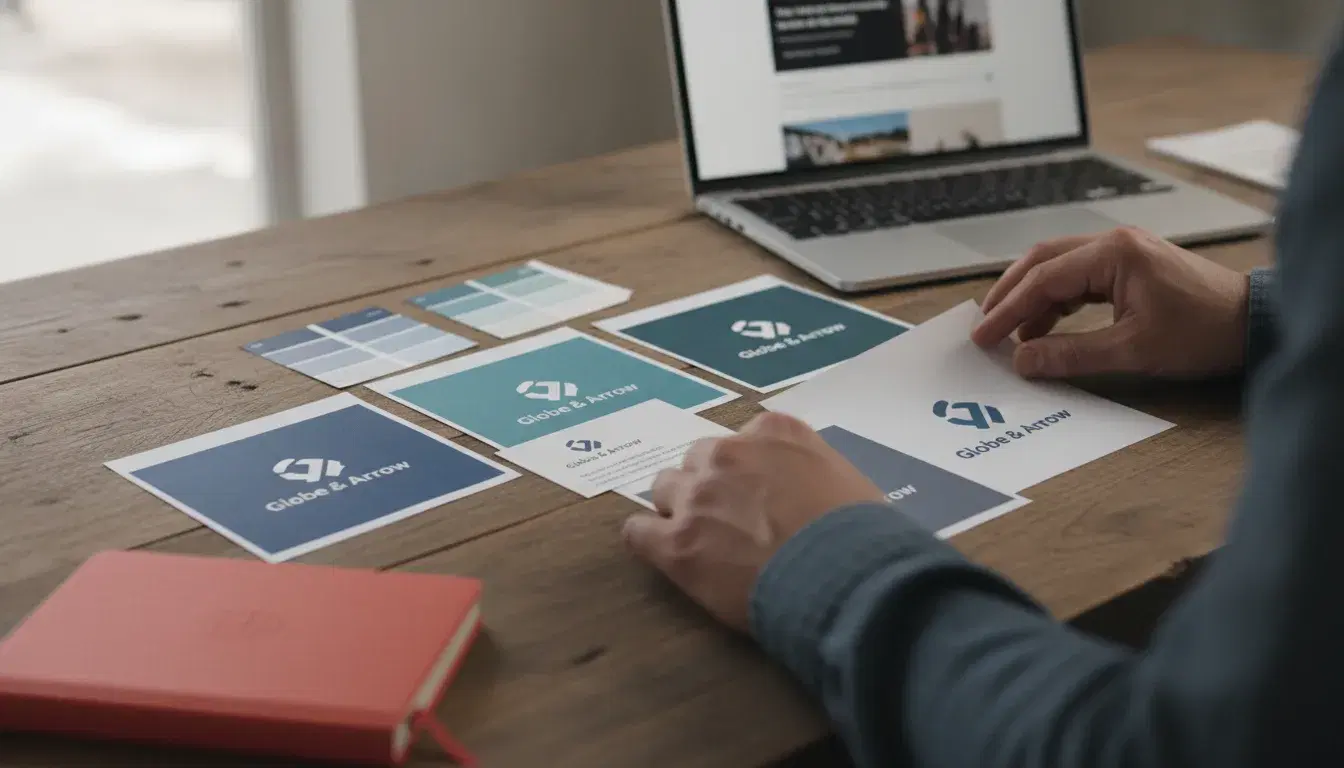
Visual Identity Audit: The 6-Step Method to Check If Your Logo and Brand Guidelines Still Work in 2026
103,645 trademarks were filed with France's INPI in 2025, up 14.1% in a year. Before a costly rebrand, the 6-step method to audit your logo, colors and brand guidelines and find out what really needs to change.
October 14, 2026
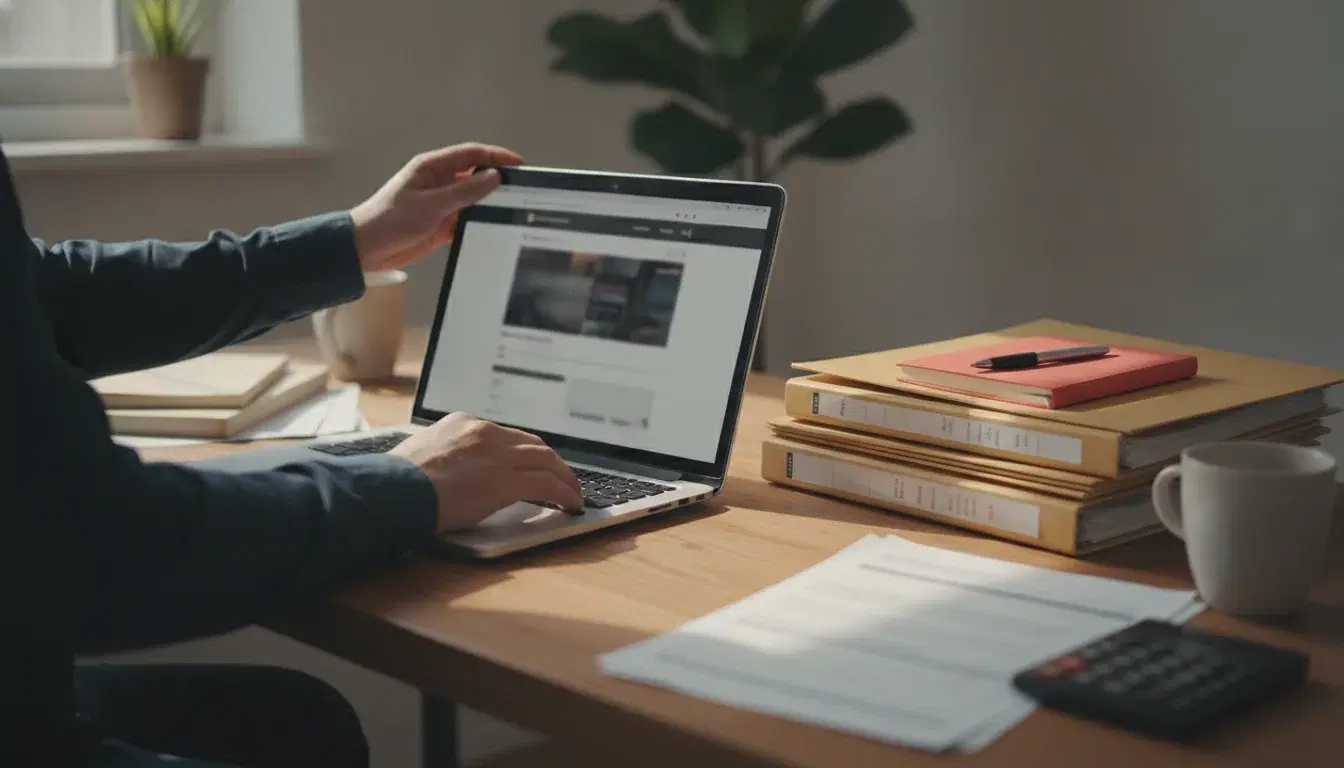
Website for Chartered Accountants: The Complete Guide to Attracting New Clients in 2026
21,611 chartered accountants and more than 19,000 firms operate in France (OEC). Key pages, online booking, local SEO and professional ethics: the complete guide to an accounting firm website that truly converts in 2026.

October 13, 2026
AI and Inventory Management for Small Businesses: How to Forecast Demand and Automate Replenishment in 2026
18% of French companies now use artificial intelligence (Insee). The 5-step method to forecast demand and automate replenishment, without an expensive ERP, for small businesses.