Ai meeting assistant
AI Meeting Assistants for Small Businesses: Automatic Transcription and Notes in 2026
 Majdi ZarkounaCo-fondateur de Majoli.io
Microsoft says 57% of work time goes to meetings, email, and messaging. Automatic transcription, structured summaries, extracted actions: the method and tools to bring AI into your small business meetings, GDPR-safe.
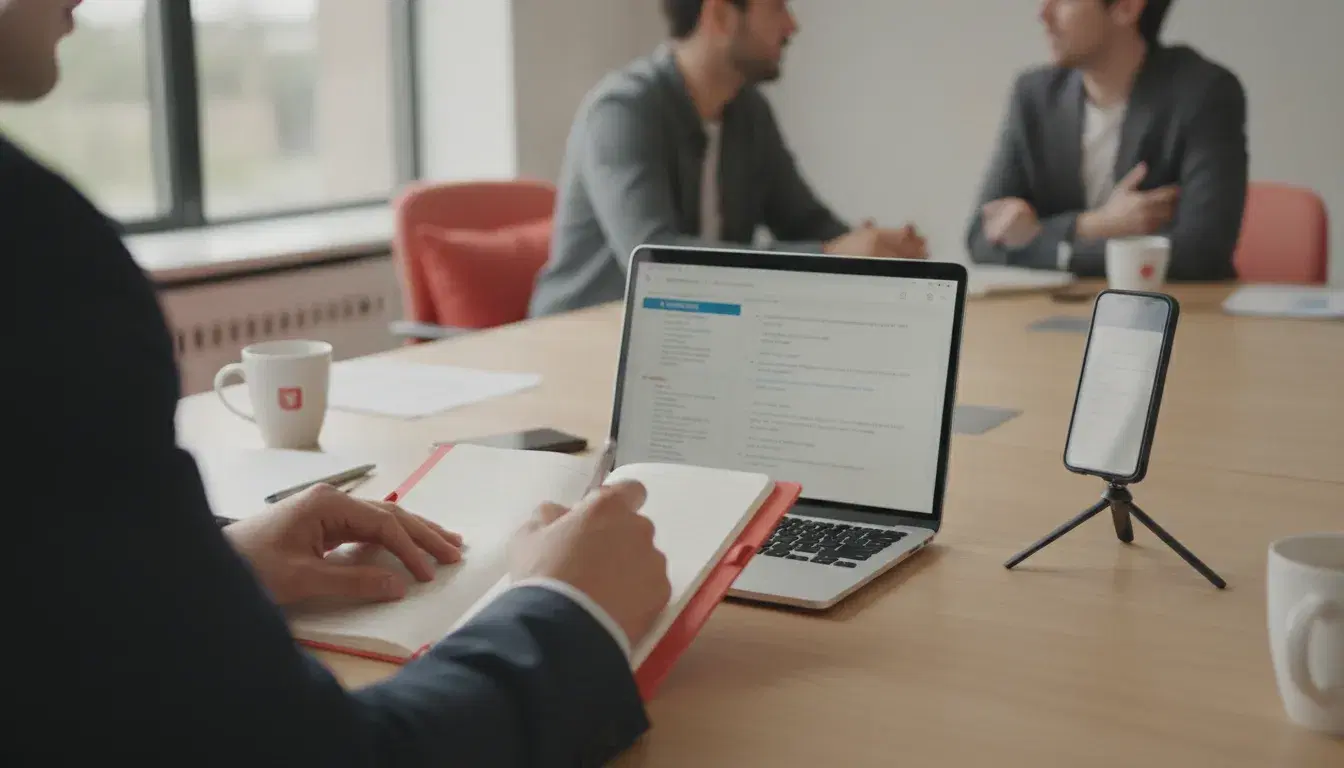
One hour of meeting typically means twenty to thirty minutes of note taking and cleanup afterwards. Multiply that by the number of weekly meetings a small team holds, and the math adds up fast: several working days lost every month just to rephrase what was already said. According to the Microsoft Work Trend Index, 57% of work time is now spent communicating (meetings, email, instant messaging), against only 43% actually spent creating. The average worker receives 117 emails a day and is interrupted every two minutes by a meeting, an email, or a notification.
Faced with this reality, a new generation of AI assistants is settling directly into video calls to transcribe, summarize, and distribute meeting notes without human intervention. According to research firm Metrigy, in its AI for Business Success 2025-2026 study, nearly 40% of surveyed companies had already deployed an AI meeting assistant, with another 42% planning to do so within the year. For a small or mid-sized business, the point is not to chase a technology trend, but to reclaim time for selling, producing, or managing the company. Here is how to do it without picking the wrong tool or the wrong method.
What an AI meeting assistant actually changes
An AI meeting assistant connects to Zoom, Teams, or Google Meet, or simply runs in the background through a computer's microphone during in-person meetings. It generally performs three successive tasks:
- Transcription: every statement is turned into text, with speaker identification in the more advanced tools.
- Structured summary: the AI extracts the decisions made, the blocking points, and the context, in a format readable in two minutes.
- Action extraction: every mentioned task is isolated, ideally with an owner and a deadline identified automatically.
The most complete tools also add search across meeting history (finding in seconds what was said about a topic three months earlier) and direct integration with a CRM or a shared storage space. That same automation logic is what makes it possible to automate client follow-up once sales meeting notes are pushed straight into the prospect's record.
Which tool to choose depending on your company's size and use case
The market has grown much denser in 2026, and the gaps between solutions mainly come down to three criteria: the free monthly meeting volume, the quality of French-language transcription, and where the data is hosted.
- For occasional use or a solo business: the free plans from Fathom and tl;dv allow unlimited recordings, which is more than enough to test the use case before investing.
- For a team with a moderate meeting volume: Otter.ai and Noota offer free quotas of around 300 minutes per month, before switching to a per-user paid plan.
- For a company already equipped with Microsoft 365 or Google Workspace: the native features (Copilot in Teams, Gemini in Google Meet) avoid adding a third-party tool, at the cost of a premium subscription on the existing suite.
- For sensitive or regulated data: Noota positions itself as an alternative hosted within the European Union, a criterion that increasingly weighs on the choice French small and mid-sized businesses make.
In every case, test the tool on a real meeting before rolling it out company-wide: French transcription quality still varies noticeably from one solution to another, particularly on regional accents and the technical vocabulary specific to your business.
GDPR: what to secure before rolling AI into your meetings
Recording and transcribing a meeting means processing personal data under the GDPR, including participants' voices. France's data protection authority, the CNIL, has published specific recommendations on the use of AI in business, with three points of vigilance that directly apply to meetings:
- Participant consent is required before any recording and transcription, including for external guests such as clients or contractors.
- A data protection impact assessment (DPIA) is recommended, and can even be mandatory, whenever the processing involves a significant volume of voice data or resembles a form of employee monitoring.
- Contractual guarantees (data processing agreement, security clauses, incident procedures) must be obtained from the tool's provider, particularly when servers are located outside the European Union.
In practice, for a small or mid-sized business, this translates into three simple habits: systematically inform participants at the start of the meeting, turn off recording for sensitive discussions (negotiations, HR matters), and check the provider's data retention policy before signing an annual subscription.
A 5-step method to roll AI out in your meetings
A failed rollout rarely comes from the tool itself, but from moving too fast. The following method limits friction:
- Pick a single recurring meeting to test with, ideally a weekly team check-in rather than a sensitive sales call.
- Inform participants and explain what happens to the meeting notes (who receives them, where they are stored, how long they are kept).
- Define a shared meeting notes template: decisions, actions with owner and deadline, open points. This avoids everyone rephrasing the summary their own way.
- Connect the tool to your existing spaces (shared drive, CRM, task management tool) so the notes land directly where the team already works, without an extra manual step.
- Measure the time actually saved after four to six weeks, before extending the tool to other meetings or switching to a paid plan.
This test-before-scaling logic mirrors what we recommend for automating a management dashboard or for automating invoicing: start small, measure, then expand.
The mistakes that make rollouts fail
Three mistakes come up most often among small and mid-sized businesses that abandon the tool after a few weeks. The first is stacking up multiple tools: one assistant for sales meetings, another for internal check-ins, a third for client interviews. The result is that nobody knows anymore where to find the history. The second is letting the AI's raw meeting notes go out as is, without a quick review: transcription errors on proper names, figures, or product names can turn a decision into a misunderstanding. The third is ignoring the consent question, which exposes the company to an avoidable legal risk for a time saving that, while real, isn't worth that risk.
Properly framed, the AI meeting assistant is just one building block among others in the automation of a small business, alongside autonomous AI agents or generative AI tools applied to everyday work. The key is to start from a precise need, such as cutting down the time spent cleaning up notes after each meeting, rather than adding one more tool as a matter of principle.
Frequently asked questions
Is an AI meeting assistant reliable in French?
Quality varies by tool. Solutions positioned for the French-speaking market, such as Noota, generally show better accuracy on accents and business vocabulary than tools designed primarily for English. It remains advisable to review the notes before sharing them, especially figures and proper names.
Do you need permission before recording a meeting with a client?
Yes. Consent from everyone present is required before recording and transcription, whether they are employees or external participants. A simple verbal announcement at the start of the meeting, with the option to decline, is enough in most cases.
Does an AI meeting assistant replace a secretary or a notes officer?
No, it automates the repetitive part of the job. The AI transcribes and structures the content, but reviewing it, prioritizing actions, and human follow-up remain necessary, especially for high-stakes meetings such as negotiations, budget decisions, or one-on-ones.
What budget should a small business plan for?
Many small businesses can start for free with offers like Fathom or tl;dv, which provide unlimited recordings on their free tier. Moving to a paid subscription becomes worthwhile mainly once usage becomes daily across several teams, or when the company needs guarantees around hosting data within the European Union.
How can you make sure the tool complies with GDPR?
Check where the data is hosted, request the contractual documentation (data processing agreement, security measures), and systematically inform participants before each recording. If there is any doubt about large-scale processing, the CNIL recommends carrying out a data protection impact assessment.
Read next
September 30, 2026
Automating Electronic Signature and Document Management for SMEs: The Complete 2026 Method
26% of small businesses now use electronic signature (Yousign/Ipsos, 2025), up from 19% in 2021. The complete method to automate signature and document management without losing compliance.

September 29, 2026
AI for Small Businesses: Automating Quotes and Payment Reminders to Get Paid Faster in 2026
26% of French SMEs use AI in 2025, up from 13% in 2024 (France Num). The 5-step method to automate quotes and payment reminders with AI and cut payment delays in 2026.
September 28, 2026
Marketing Automation for Small Businesses: How to Convert Prospects Without Spending Your Days on It in 2026
79% of marketing leads never buy due to lack of follow-up (Forceplus). A 5-scenario method to automate prospecting and convert more, without the daily grind, in 2026.